Add pages to a Next.js Application
We assume that, you already know how to start a Next.js. Kindly recommend, if you don’t, go back.
Adding a page in Next.js application is very similar like in old web development concept, just like in HTML. Remember, in HTML, to add a page, we have to add a .html file in adirectory. For Next.js, we just have to add a React.js component inside the next.js pages folder.
Next.js page are simply React.js components. See below a very simple next.js page defined as a React.js component.
export default function About() {
    return <div>This is a About page</div>
}
By default, Next.js provides a page inisde that index.js file. It is the default page that we see when we create a new Next.js app. So to add a page like /about, you must create a React.js component and save it inside a about.js. It’s a rule of Next.js; add a .js extension to the name of the page you want to create.
Once pages is created, you have two ways to access your pages:
- Static route: For the page about.js we just added in the pages folder, We just have to type on the browser
localhost:3000/about. The page will render as following. (Don’t forget to run your development server:npm run dev).
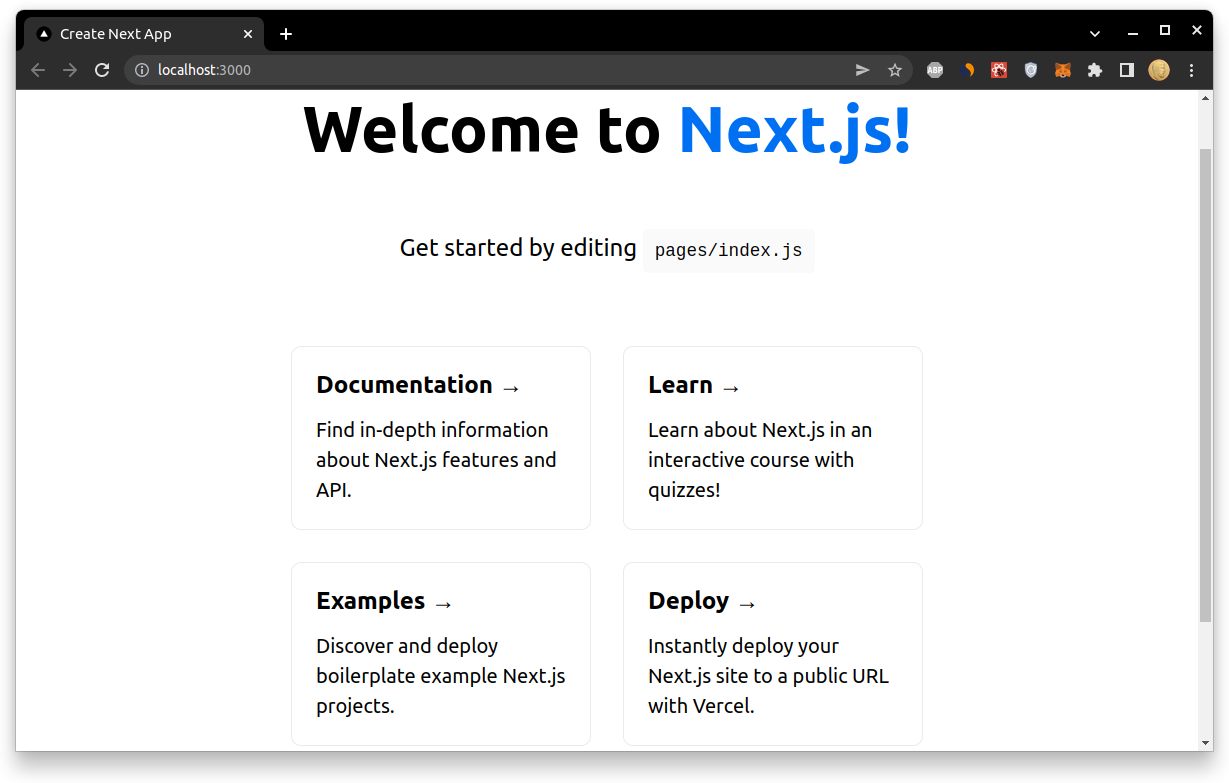
- Dynamic route: Instead of creating a static name of the page like the about oage we just created, we would intend to create it in other way to be accessible by a dynamic way. To do that, we should create
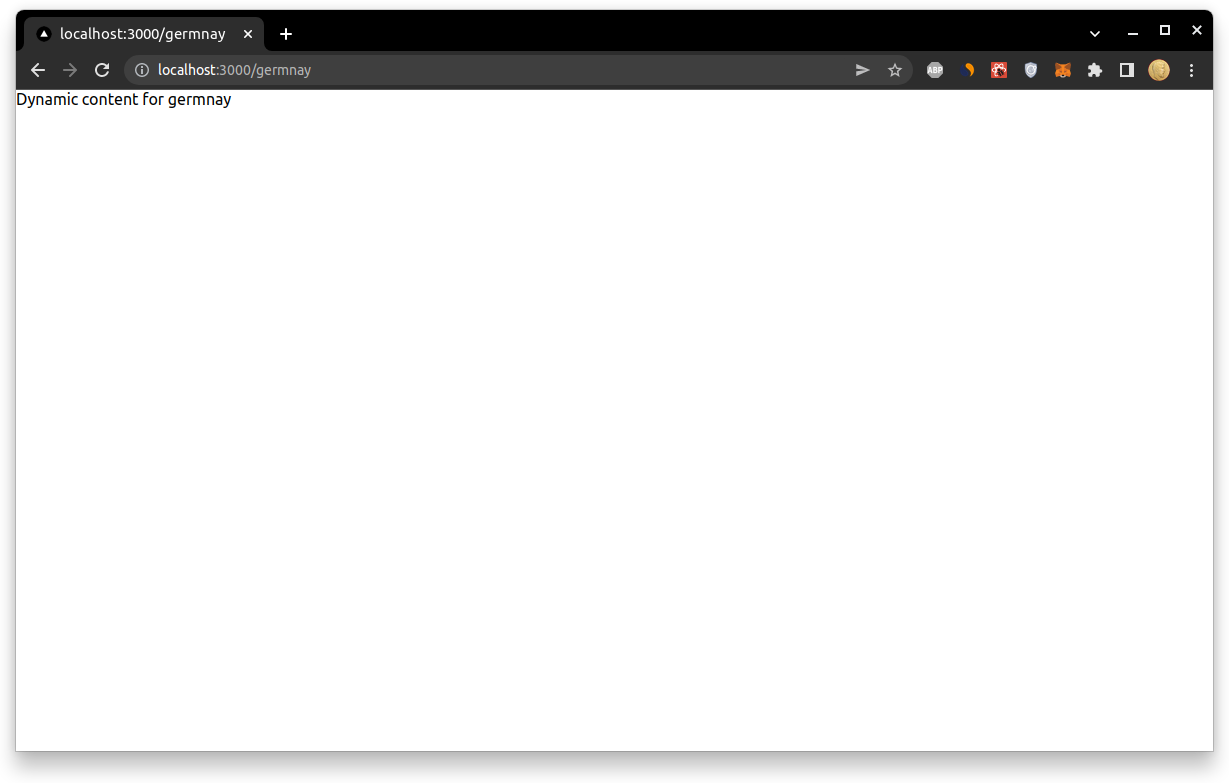
[id].jsfile in the pages folder. Now to access dynamically to the page we just type the name of page on the url. Let create that dynamic route forcountryfor example, we can access information about a country by typing directly the name of the country like this:localhost:3000/germany. Next.js will automatically grab germnay page, by looking firstly if there is a page defined in agermany.jsfile under/pagesfolder, if not, it will look if there is any[id].jsfile under/pagesfolder, then return or render the page information, otherwise it will return a404 page not found.
// useRouter allows us to get the path in the url.
import { useRouter } from 'next/router'

export default function Content(){
    const router = useRouter()
    return <div>Dynamic content for {route.query.id}</div>
}
The result :)
Dynamic route can be nested, i.e. adding [id].js file under a sub folder like pages/country/[id].js. To access to that route, you just have to type on the browser localhost:3000/country/spain.
Dynamic route can redurce the number of pages that having similar pattern of information. The typical example if netflix.com/watch/xxxxx.
You can find the code of this section on my GitHub account